
Instructions for Adding AEA Calendar to iCal on Mac OS
To subscribe to Google calendars in the iCal application (screen shots from OS X 10.7, Lion), follow the instructions below.
| Step 1 |
|---|
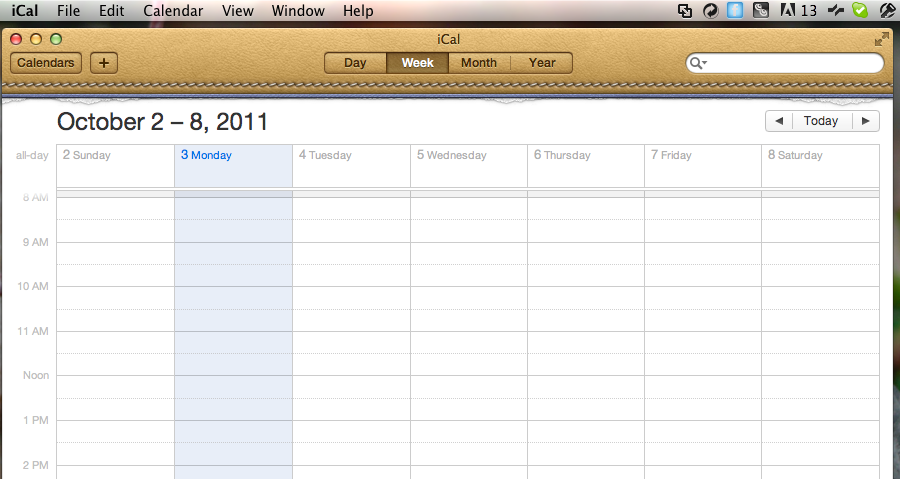 |
| Open iCal |
| Step 2 |
|---|
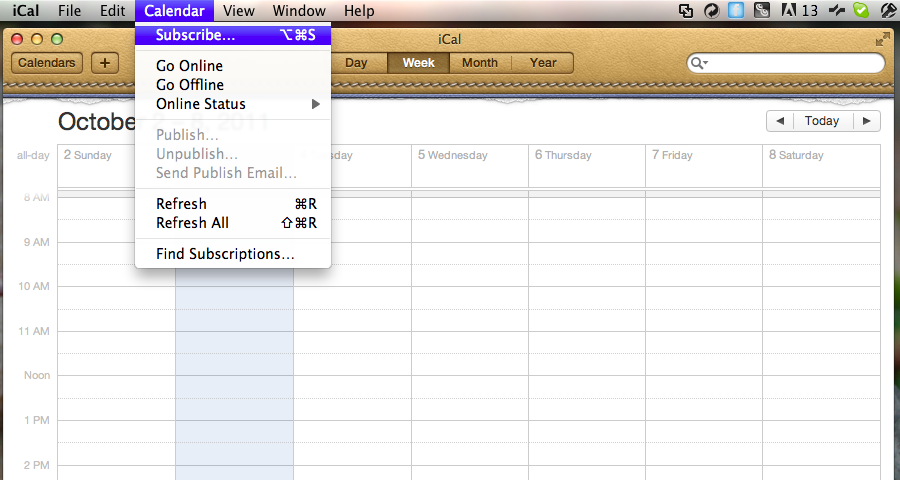 |
| Select Calendar then Subscribe |
| Step 3 |
|---|
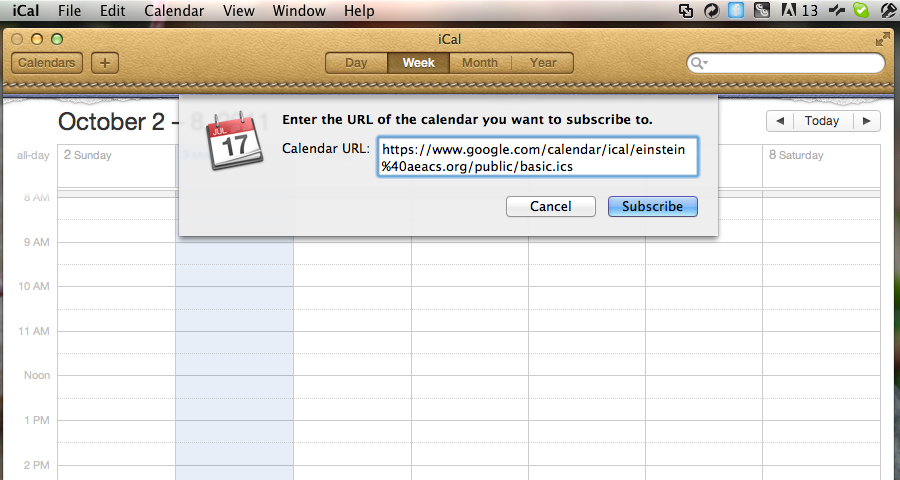 |
| Enter https://www.google.com/calendar/ical/einstein%40aeacs.org/public/basic.ics as the server address. Then click Subscribe. |
